How to Make a Cross Stitch Pattern From Any Photo
A complete guide to making a cross stitch pattern with realistic floss limits, Aida sizing and confetti control.
2 September 2026 · 7 min readGuides & notes · AI
Direct conversion is free and private; AI redraw costs a credit and fixes the photos direct conversion cannot. How to tell which you need.
26 August 2026 · 6 min read
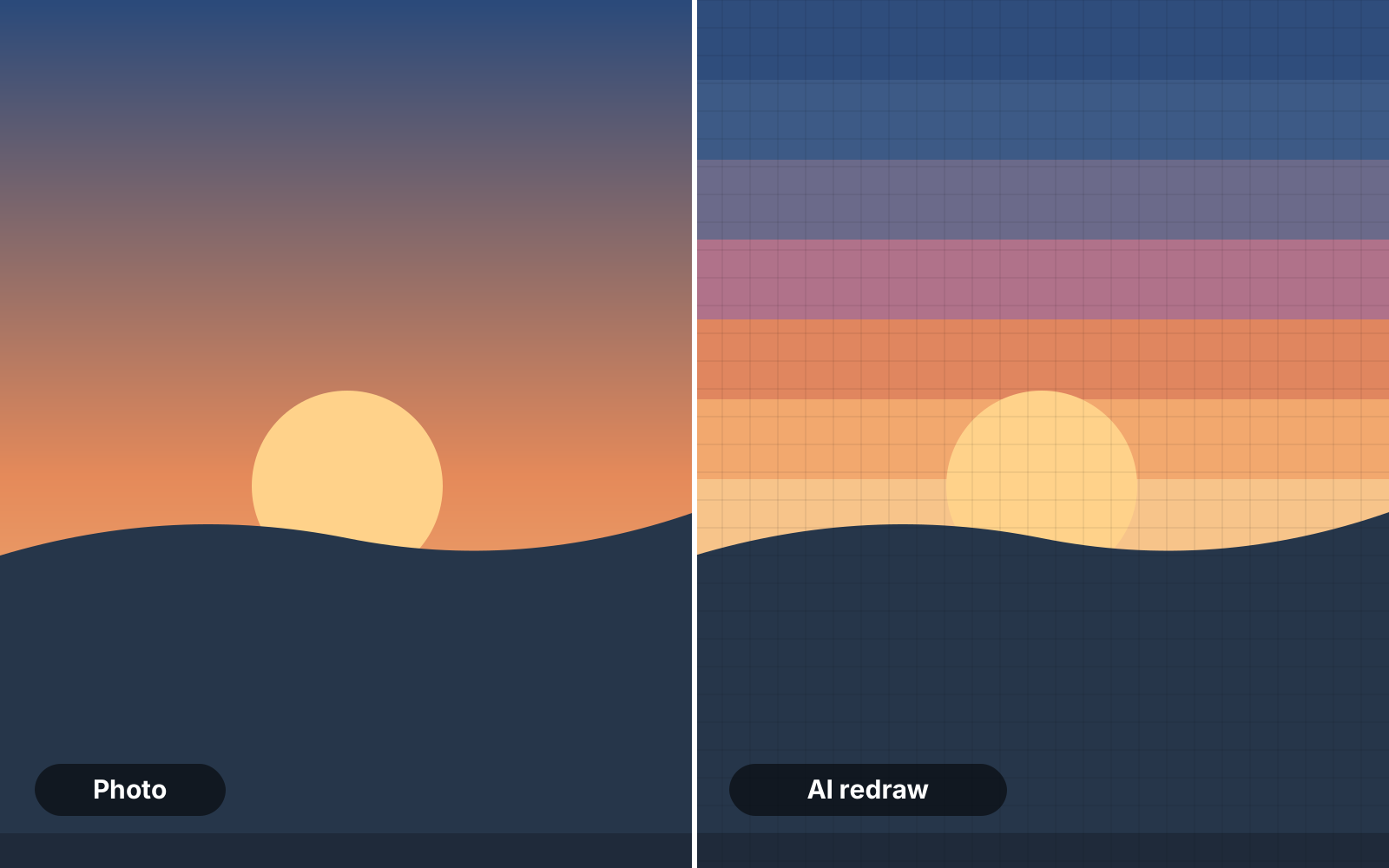
FlossPixel has two front doors. Direct conversion runs in your browser, uploads nothing and costs nothing. AI redraw sends the photo to an image model that repaints it as flat, stitchable colour areas, then hands it to the same converter. Most photos only need the first door. This is how to spot the ones that need the second.
Nano Banana 2 is fast, cheap and excellent at simplification — the default for most redraws. GPT Image 2 costs a little more and is better when you want a specific style or a very faithful likeness. Both are billed per generation in credits; failed generations are refunded automatically.
Run a direct conversion first — it is free. If the confetti count is high even at 60% smoothing, or the palette hits your cap and still looks patchy, that is the signal to redraw.
Ready to try it? The pattern maker is free and runs in your browser.
Open the maker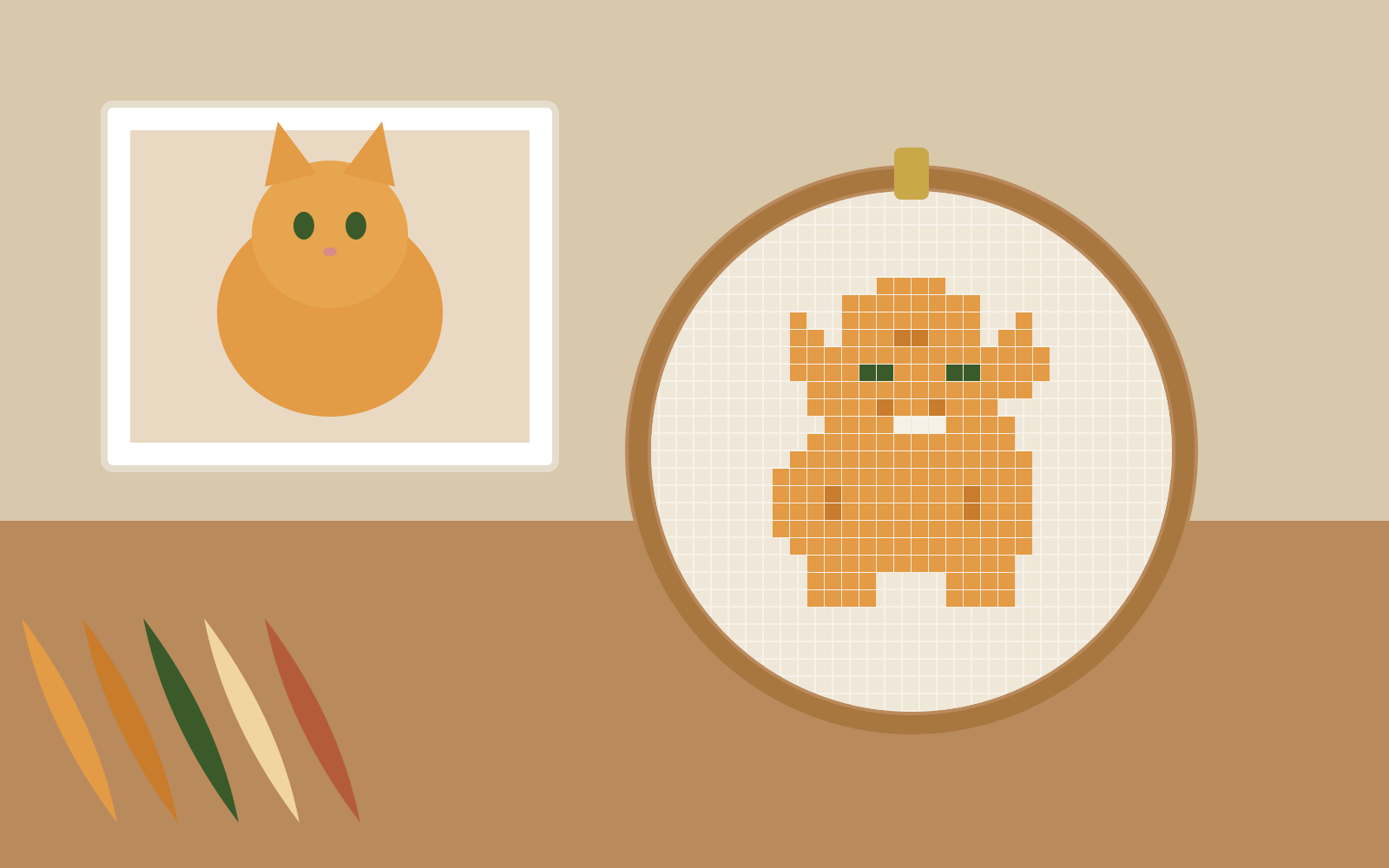
A complete guide to making a cross stitch pattern with realistic floss limits, Aida sizing and confetti control.
2 September 2026 · 7 min read
Why capping your palette to 25–35 colours produces cleaner embroidery with fewer thread changes.
1 September 2026 · 5 min read
Calculate exact cut sizes across 11, 14, 16 and 18-count Aida with the built-in fabric calculator.
30 August 2026 · 4 min read